
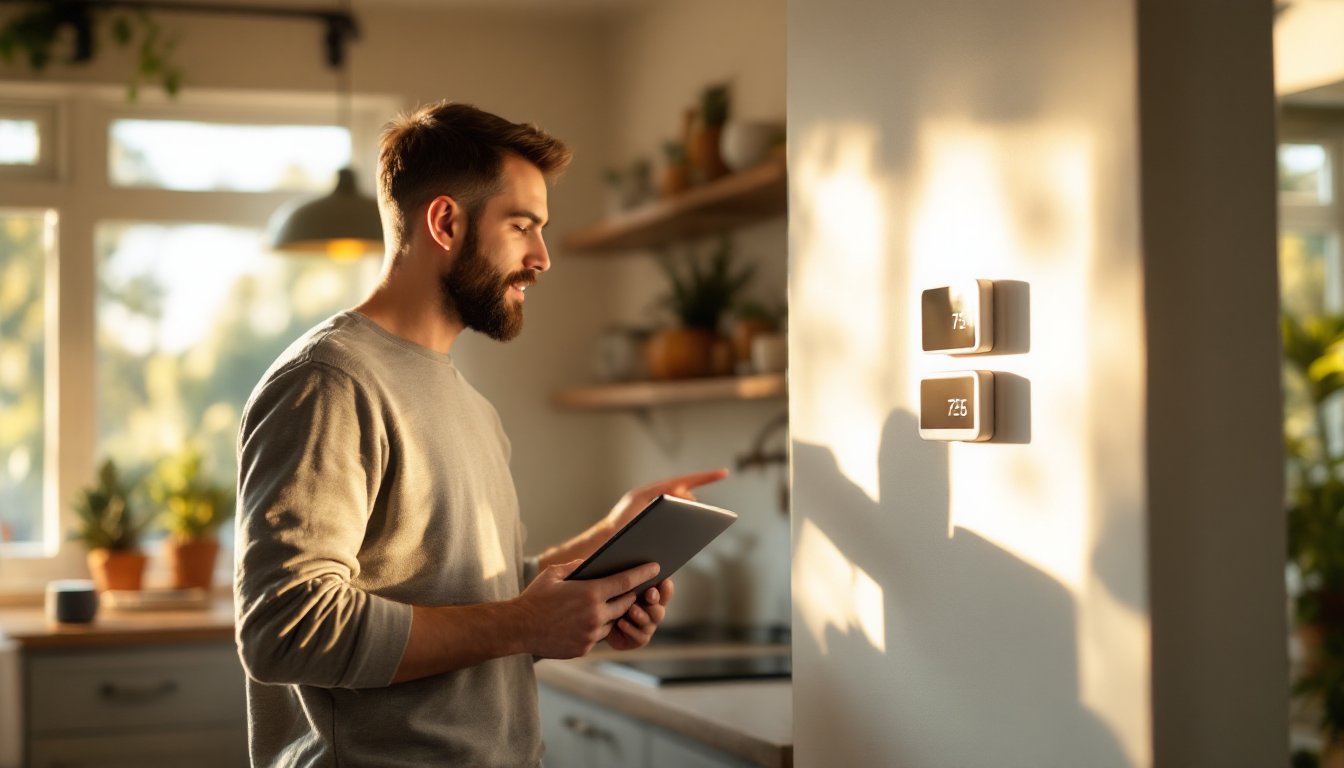
Adding smart home technology to your house doesn’t have to drain your bank account, but knowing what you’re paying for makes a real difference. Smart home installation costs vary wildly depending on what you’re installing, whether you hire a pro, and how much wiring your home already has in place. This guide breaks down the actual expenses homeowners face when upgrading to smart home systems, explains the factors that impact your final bill, and shows you realistic ways to cut costs without sacrificing functionality. Whether you’re automating your lighting, security system, or climate control, understanding these costs upfront helps you make smarter choices about where to invest.
Table of Contents
ToggleKey Takeaways
- Smart home installation costs range from $3,000–$10,000 for mid-range systems, with luxury automated homes reaching $15,000–$30,000 or beyond, depending on system complexity and professional integration.
- Hiring a professional electrician is essential for hardwired installations and electrical panel work, as DIY electrical projects void warranties, create fire hazards, and violate building codes.
- Choosing wireless devices over hardwired systems and standardizing to one platform (Apple HomeKit, Google Home, or Alexa) can reduce smart home installation expenses by 40–60% compared to full-service professional installation.
- Labor rates for contractors typically range from $85–$150 per hour, with equipment costs varying by brand and features—basic smart speakers cost $50–$150 while professional-grade systems demand significantly more.
- Starting small with a single smart system, buying refurbished devices at 20–40% discounts, and bundling multiple installation tasks into one service visit are practical ways to lower your smart home installation budget without sacrificing safety or functionality.
- Existing home infrastructure significantly impacts costs; homes with modern wiring and structured cabling require less extensive retrofitting than older homes needing new conduits run through attics or crawl spaces.
Understanding Smart Home Installation Costs
Smart home installation isn’t just about buying a device and plugging it in. The real costs include hardware, labor, wiring infrastructure, integration work, and sometimes structural modifications. A basic smart speaker might cost $50–$150 and require zero installation, while a full home automation system with professional integration can run $5,000–$15,000 or more.
When contractors quote smart home work, they’re typically charging for equipment, labor hours, and sometimes a design consultation. Labor usually runs $85–$150 per hour depending on your region and the contractor’s experience. The equipment itself is separate, and prices swing based on brand, features, and whether you’re buying entry-level or professional-grade gear.
One critical reality: most smart home installations involve electrical work. That means some projects require permits, inspections, and licensed electricians. Attempting this yourself without proper credentials can void warranties, create fire hazards, and land you in trouble with local building departments. Know your limits upfront.
Factors That Affect Your Total Installation Expenses
Several variables shift your budget up or down. Understanding them helps you forecast realistic numbers before hiring anyone.
Home Size and Complexity
A 2,000-square-foot house with straightforward layouts costs less to automate than a 5,000-square-foot multi-level property with basement systems. Size affects the amount of wiring, the number of devices needed, and labor time. A ranch-style home with open concept design is simpler to wire than a Victorian with multiple disconnected rooms and thick plaster walls that resist conduit running.
Existing infrastructure matters hugely. If your home already has structured cabling (Ethernet runs in walls), Cat6 outlets, or a dedicated smart home hub closet, installation costs drop significantly. Older homes without modern wiring require more extensive retrofitting, sometimes running new conduits through attics or crawl spaces, which adds hours of labor and material costs.
Device Selection and Brand Choices
Not all smart devices cost the same. A basic WiFi-connected thermostat runs $200–$400, while a high-end programmable model with learning algorithms reaches $400–$700. Smart locks range from $150 to $500 depending on features. Security camera systems span $300 for a single camera to $2,500+ for multi-camera systems with cloud storage and advanced analytics.
Brand reputation and ecosystem compatibility also drive costs. Devices that integrate seamlessly with existing platforms (Apple HomeKit, Google Home, Amazon Alexa) sometimes command premium pricing because they work together without extra hubs or bridges. Choosing devices from one ecosystem cuts your bridge-buying costs compared to a patchwork of incompatible gadgets that each need their own controller. Research compatibility before buying, it saves headaches and money later.
Average Cost Breakdown by System Type
Different smart home systems carry different price tags. Here’s what homeowners typically spend on each major category:
Smart Lighting: Basic smart bulbs and switches run $20–$60 per unit. A whole-home retrofit with dimmer-capable switches and linked bulbs typically costs $1,500–$3,500 depending on room count. Professional installation adds $500–$1,500 if rewiring is needed.
Smart Thermostats & HVAC: A programmable smart thermostat alone costs $200–$400 (device only). Professional installation adds $200–$500. Integrating into a full zone-based system with smart vents or dampers pushes costs to $2,000–$5,000 installed.
Security & Cameras: A single smart video doorbell runs $100–$250. Multi-camera exterior systems (3–4 cameras) with storage typically cost $800–$2,000 installed. Add a professional monitoring service and you’re looking at $25–$45 monthly on top of upfront hardware.
Smart Entertainment & Audio: Whole-home audio systems with in-wall speakers, amplifiers, and zone control range from $2,000 to $8,000 installed, depending on speaker count and amp capacity. Standalone soundbars and Bluetooth speakers are cheaper ($100–$500) but less integrated.
Networking & Hubs: A mesh WiFi system covers most homes for $200–$500. Smart home hubs that coordinate all your devices add $50–$150. Upgrading to commercial-grade network infrastructure (managed switches, dedicated smart home VLAN) pushes costs higher but improves reliability.
Total whole-home installation typically runs $3,000–$10,000 for mid-range systems, though luxury automated homes with multiple zones, entertainment integration, and professional design hit $15,000–$30,000 or beyond. Cost guides like those on HomeAdvisor’s smart home cost page provide regional breakdowns if you need local pricing data.
DIY vs. Professional Installation: Cost Comparison
This is where real savings, or real mistakes, happen. DIY smart home work cuts labor costs entirely and shifts full control to you. Installing a WiFi smart bulb, plugging in a smart speaker, or mounting a video doorbell requires no special skills and costs only the device price.
But, DIY electrical work (running new circuits, installing hardwired switches, integrating with your panel) is risky. You need a licensed electrician for anything touching your main electrical panel, and most jurisdictions require permits. Hiring a pro costs more upfront but ensures code compliance, warranty protection, and safe wiring that won’t create fire hazards or void your homeowner’s insurance.
For partial DIY approaches, you might install devices yourself but hire a licensed electrician for rewiring. A three-hour electrician visit to run new conduit and install hardwired smart switches costs $300–$500, versus $1,500–$2,500 if you pay them to design and install the entire system. Services like Angi help you find local contractors and compare quotes, which helps calibrate expectations for your region.
The middle ground works well for many homeowners: buy wireless devices and install them yourself (smart locks, cameras, thermostats), but hire pros for permanent wiring and anything involving your electrical panel. This approach cuts costs by 40–60% compared to full-service installation while keeping your home safe.
Ways to Reduce Your Smart Home Installation Budget
Cutting costs doesn’t mean cutting corners on safety or functionality. Here are realistic ways to lower your total:
1. Start Small and Expand Later
Don’t buy everything at once. Install one smart system (lighting, thermostats, or security) and live with it for a few months. This approach spreads costs across multiple budgets and lets you learn what features actually matter to you before investing heavily. Starter kits for single-room automation run $200–$400.
2. Choose Wireless Over Hardwired Where Possible
WiFi and Bluetooth devices eliminate conduit-running and circuit-upgrade costs. Modern mesh WiFi networks are reliable enough for most home automation. You’ll save $1,000–$3,000 in electrical labor by going wireless where it makes sense.
3. Standardize Your Ecosystem
Stick to one platform (Apple HomeKit, Google Home, or Amazon Alexa). Mixing ecosystems means buying bridges, hubs, and workaround devices that add $300–$600 to your total. Unified systems also simplify troubleshooting and reduce integration headaches.
4. Bundle Installation Tasks
If you’re already paying an electrician for one project, ask them to handle multiple smart home integrations in one visit. Consolidating work into fewer service calls cuts travel time and overhead, lowering your per-hour cost.
5. Buy Refurbished or Previous-Year Models
Smart home devices evolve quickly. Refurbished thermostats, cameras, and hubs often work identically to new versions and cost 20–40% less. Check return policies and manufacturer warranties before buying discounted gear.
6. Do Non-Electrical Work Yourself
Mounting cameras, installing battery-powered smart locks, positioning sensors, and configuring apps requires no licenses. Doing these tasks yourself saves $500–$1,500 in labor. Only hire pros for wiring, panel work, and structural modifications.
Security and home automation communities like those discussed on Digital Trends often review budget-friendly systems and highlight sales. Following tech sites helps you time purchases around price drops and new product releases. Realistic savings from a phased, hybrid DIY-plus-pro approach typically run 40–60% less than full professional installation.

