
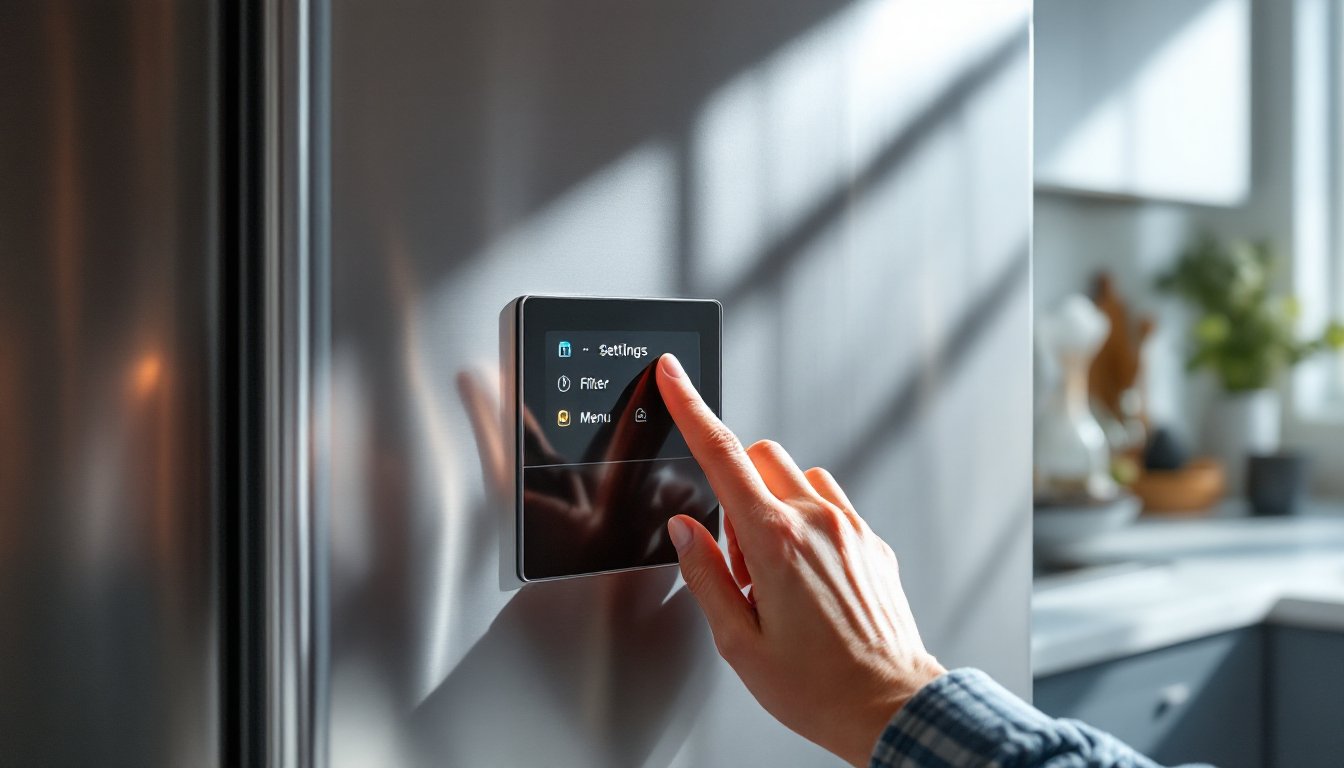
That blinking red or amber filter light on your Samsung refrigerator isn’t a malfunction, it’s your appliance’s way of telling you the water filter needs attention. Whether you’ve just installed a fresh filter or you’re troubleshooting a stubborn light, resetting it is straightforward and takes just a few minutes. This guide walks you through what that light means, when and why it activates, and the exact steps to reset it using your refrigerator’s control panel or ice maker button. No special tools, no guesswork, just practical instructions you can follow right now.
Table of Contents
ToggleKey Takeaways
- Your Samsung refrigerator’s filter light indicates the water filter has reached its effective lifespan and should be replaced, typically after six months or 300 gallons of filtered water.
- Always install a new water filter and run 3–5 gallons of water through it before resetting the filter light to avoid resetting the counter on a spent filter.
- Reset your filter light using the control panel’s Water Filter or Filter Status menu by selecting Reset and confirming, which returns the filter capacity indicator to 100%.
- For older Samsung models without a digital display, press and hold the ice maker button for 3–5 seconds to reset the filter light, watching for a blink or color change to confirm success.
- If the filter light won’t reset after following both methods, verify you’ve installed a genuine new filter, consult your model’s manual, or contact professional service if the control board is faulty.
Understanding Your Samsung Refrigerator’s Filter Light
What the Filter Light Indicates
Your Samsung refrigerator’s filter light is a maintenance reminder tied to your water filtration system. When illuminated, it signals that the internal filter has reached its effective lifespan and should be replaced. Samsung typically sets this threshold at approximately six months of normal use or every 300 gallons of filtered water dispensed, whichever comes first. The light’s color varies by model: some display red, others amber or blue, but the message is the same.
This light doesn’t mean your water is unsafe to drink immediately: it means the filter’s contaminant-removal capacity has diminished. Waiting too long after the light appears can result in reduced water clarity, slower ice production, or off-flavors in your drinking water.
Why Your Filter Light Turns On
Samsung refrigerators have a filter counter built into their control board. This counter tracks water flow through the filter cartridge over time. Once it detects that the specified gallonage or duration has elapsed, the light triggers automatically. Some models use electronic sensors, while others rely on a mechanical counter that advances with each dispense cycle.
If you’ve just replaced your filter but the light remains on, the counter simply hasn’t been reset yet, it’s still operating on the old filter’s usage data. The reset process clears this counter and tells your refrigerator to start tracking fresh filter life all over again.
Before You Reset: Replacing the Water Filter
Don’t reset the light without actually installing a new filter first. Resetting the counter on a spent filter defeats the purpose of the maintenance reminder. Here’s what you need to do:
Turn off water supply to your refrigerator, either at the shutoff valve behind the unit or at the main water line. This prevents pressure buildup and potential leaks during filter replacement.
Locate the filter cartridge. In most Samsung models, the water filter is housed either inside the refrigerator (often in the upper right corner or behind a grille) or on the exterior (typically beneath the fridge or inside the base). Check your owner’s manual or the model label on your refrigerator’s side wall if you’re unsure.
Remove the old filter by twisting it counterclockwise about a quarter turn, then gently pulling it straight out. You’ll likely see a small amount of water drip out, this is normal. Have a shallow pan or towel handy.
Flush the new filter before installing it. Some Samsung filters come pre-filled with activated carbon dust that can cloud your water initially. Hold it upright under your sink faucet and run cool water through the outlet for 15–20 seconds. This step prevents blackened water from your dispenser.
Insert the new filter into the housing, pushing it straight in until you hear or feel it seat fully, then twist clockwise until snug. Don’t over-tighten, firm is sufficient. Step-by-step instructions for replacing a refrigerator water filter provide additional detail if you need visual guidance.
Run water through the new filter by dispensing 3–5 gallons through your refrigerator’s water dispenser before using it for drinking. This flushes remaining carbon fines and ensures clean, clear water. Only then should you reset the filter light.
Step-by-Step Filter Reset Instructions
Using the Control Panel Method
Most Samsung refrigerators from 2015 onward use a touchscreen or button-based control panel. Here’s how to reset the filter light from the display:
-
Locate the Settings menu on your refrigerator’s main display. This is typically accessed by pressing a button labeled “Menu,” “Options,” or a gear icon.
-
Navigate to Water Filter or Filter Status. The exact wording varies by model, look for terms like “Maintenance,” “System,” “Water Filter Life,” or “Filter Usage.”
-
Select Reset Water Filter or Reset Filter Counter. You may see a prompt asking you to confirm the action. Some models show a percentage indicator of remaining filter life: resetting will return this to 100%.
-
Press Confirm or OK. The display will briefly show a loading or processing message, then return to the main screen. The filter light should extinguish immediately or within a few seconds. If the light persists, verify you pressed the correct reset option, some models have separate buttons for filter reset and ice maker reset.
-
Verify the reset. Check that the filter indicator now shows 100% capacity, a green light, or no illuminated warning. If you’re uncertain whether the reset worked, dispense water or ice and observe whether the light returns. A properly reset counter should remain off for several months.
Using the Ice Maker Button Method
Older Samsung refrigerator models and some current French-door designs use an ice maker button or a dedicated control on the exterior of the fridge. If your model lacks a digital display or your control panel doesn’t have a Water Filter menu, try this approach:
-
Locate the ice maker control, usually a small button or dial on the freezer door or exterior wall near the dispenser area. It may be labeled “Ice Type,” “Ice Maker Control,” or simply have an ice cube icon.
-
Press and hold the button for 3–5 seconds. Some models require a continuous hold: others respond to a quick series of presses. Your owner’s manual will specify the exact duration.
-
Watch for a response. The filter light may blink, dim, or change color briefly. On some units, you’ll hear a beep or see the entire display flash, confirming the reset command was received.
-
Release the button and wait. Allow 2–3 seconds for the refrigerator’s control board to process the command. The filter light should now be off.
-
If the light remains on, try holding the button for longer (up to 10 seconds) or consult your model’s user manual. Some refrigerators use hidden key combinations, for example, pressing the ice maker button while simultaneously holding another control, so having your manual nearby prevents frustration.
Samsung refrigerator water filter reset guides cover model-specific variations if your unit doesn’t respond to standard methods. Some units from 2018–2020 had firmware quirks that required manufacturers to publish supplemental reset instructions.
If the filter light won’t reset after trying both methods: First, confirm you’ve actually installed a new filter and run water through it. Second, check your refrigerator’s manual or Samsung’s online support for your specific model number. If the light still won’t turn off even though a genuine new filter, you may have a faulty control board or sensor, which requires professional service. Home appliance reviews and testing often include troubleshooting guidance for common Samsung refrigerator issues if you need additional perspective.
Keep Your Refrigerator Running Smoothly
Resetting your Samsung refrigerator’s filter light is one of those small maintenance tasks that prevents bigger headaches down the road. A fresh water filter and a cleared counter ensure your ice and water taste crisp, your dispenser runs reliably, and your appliance gives you accurate maintenance reminders going forward. Once you’ve reset the light, mark your calendar six months ahead as a gentle reminder to start budgeting for your next replacement, most Samsung filters cost between $30 and $60 and are readily available online or at appliance retailers. A few minutes now keeps your kitchen running at peak performance.

