
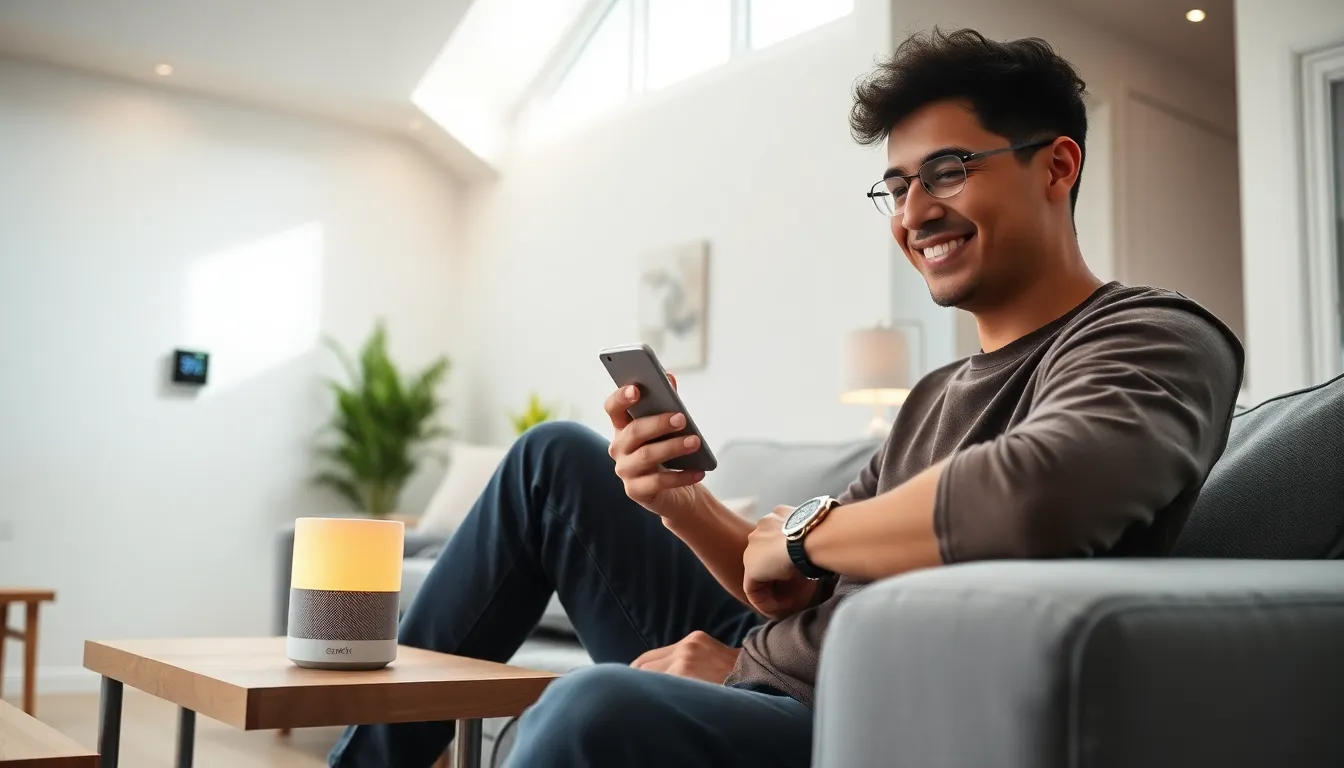
Smart home tech for beginners doesn’t have to be confusing. Millions of people now control their lights, thermostats, and security systems with simple voice commands or smartphone apps. The technology has become affordable and easy to use. This guide covers the basics of smart home technology, the best devices to start with, and practical tips for building a connected home. Whether someone wants to save energy, increase convenience, or improve home security, smart home tech offers solutions that work for any budget or skill level.
Table of Contents
ToggleKey Takeaways
- Smart home tech for beginners starts best with one or two simple devices like smart speakers or smart plugs before expanding.
- Choose a single ecosystem (Amazon Alexa, Google Home, or Apple HomeKit) to ensure your devices work together smoothly.
- Smart speakers serve as an intuitive central hub, letting you control lights, thermostats, and other devices with voice commands.
- Budget-friendly options from brands like Wyze and Govee deliver reliable performance without the premium price tag.
- Always verify device compatibility with your chosen ecosystem by looking for ‘Works with’ labels before purchasing.
- Prioritize security by buying from reputable manufacturers, changing default passwords, and enabling two-factor authentication.
What Is Smart Home Technology?
Smart home technology refers to devices that connect to the internet and can be controlled remotely. These devices communicate with each other and with users through Wi-Fi, Bluetooth, or specialized protocols like Zigbee and Z-Wave.
At its core, smart home tech lets people automate everyday tasks. A smart thermostat learns a household’s schedule and adjusts the temperature automatically. Smart locks allow homeowners to grant access to guests without physical keys. Motion sensors can trigger lights to turn on when someone enters a room.
The “smart” part comes from connectivity and programmability. Users can set schedules, create automation rules, and monitor their home from anywhere with a smartphone. Many smart home devices also work with voice assistants like Amazon Alexa, Google Assistant, or Apple’s Siri.
Smart home tech for beginners typically starts with one or two simple devices. From there, users can expand their setup as they become more comfortable with the technology. The learning curve is gentler than most people expect.
Essential Smart Home Devices to Start With
Starting a smart home doesn’t require a massive investment. A few key devices can transform daily routines and serve as a foundation for future expansion.
Smart Speakers and Voice Assistants
Smart speakers act as the central hub for many smart home setups. Devices like the Amazon Echo, Google Nest, and Apple HomePod respond to voice commands and control other connected devices.
These speakers do more than play music. Users can ask for weather updates, set timers, create shopping lists, and control smart home devices hands-free. “Hey Google, turn off the living room lights” becomes second nature within days.
For smart home tech beginners, a smart speaker provides an intuitive entry point. The voice interface removes the need to open apps constantly. Most smart speakers cost between $30 and $100, making them accessible starting points.
Smart Lighting and Plugs
Smart bulbs and plugs offer immediate, visible results. Brands like Philips Hue, LIFX, and Wyze sell bulbs that users can control from their phones or with voice commands.
Smart bulbs can dim, change colors, and turn on or off on schedule. Someone can program their bedroom lights to gradually brighten in the morning, simulating a sunrise. Or they can turn off every light in the house with a single command at bedtime.
Smart plugs convert regular appliances into connected devices. Plug a lamp, fan, or coffee maker into a smart plug, and it becomes controllable via app or voice. Smart plugs typically cost $10-$25 each and require no installation beyond plugging them into an outlet.
These devices demonstrate the value of smart home tech quickly. Once someone experiences the convenience of voice-controlled lighting, they usually want to add more devices.
How to Set Up Your First Smart Home System
Setting up smart home tech for beginners follows a straightforward process. Most devices work out of the box with minimal technical knowledge required.
First, choose an ecosystem. The three main options are Amazon Alexa, Google Home, and Apple HomeKit. Each has strengths. Alexa offers the widest device compatibility. Google Home excels at answering questions and integrating with Google services. Apple HomeKit prioritizes privacy and works best for iPhone users.
Sticking with one ecosystem simplifies setup and ensures devices work together smoothly. Mixing ecosystems can work, but it adds complexity.
Next, download the relevant app. Amazon Alexa, Google Home, and Apple Home apps guide users through device setup step by step. The apps scan for new devices, connect them to Wi-Fi, and configure basic settings.
Most smart home devices connect in under five minutes. The app displays instructions, and the device confirms successful connection with lights or sounds. No wiring or technical expertise needed.
After connecting devices, users can create routines or automations. A morning routine might turn on lights, read the weather forecast, and start the coffee maker. A bedtime routine could lock doors, turn off lights, and set the thermostat lower.
Start simple. Add one or two devices, learn how they work, then expand. This approach prevents frustration and helps beginners build confidence with smart home tech.
Tips for Choosing Compatible Devices
Compatibility matters more than brand loyalty in smart home tech. Before buying any device, beginners should verify it works with their chosen ecosystem.
Look for labels like “Works with Alexa,” “Works with Google Home,” or “Apple HomeKit compatible” on product packaging. Manufacturers also list compatibility on their websites and in product descriptions.
Wi-Fi devices offer the simplest setup since they connect directly to home networks. But, too many Wi-Fi devices can strain a router. Devices using Zigbee or Z-Wave protocols require a hub but create less network congestion.
Price doesn’t always indicate quality. Budget brands like Wyze and Govee produce reliable smart home products at a fraction of premium prices. Reading user reviews helps identify devices that perform well over time.
Consider future expansion when starting out. If someone plans to add smart door locks or cameras later, choosing an ecosystem with broad device support makes sense. Smart home tech for beginners should leave room for growth.
Security deserves attention too. Buy from reputable manufacturers who provide regular software updates. Change default passwords on all devices. Enable two-factor authentication on smart home apps when available.
A well-planned approach saves money and frustration. Spending a few minutes researching compatibility prevents the disappointment of buying devices that don’t work together.

