
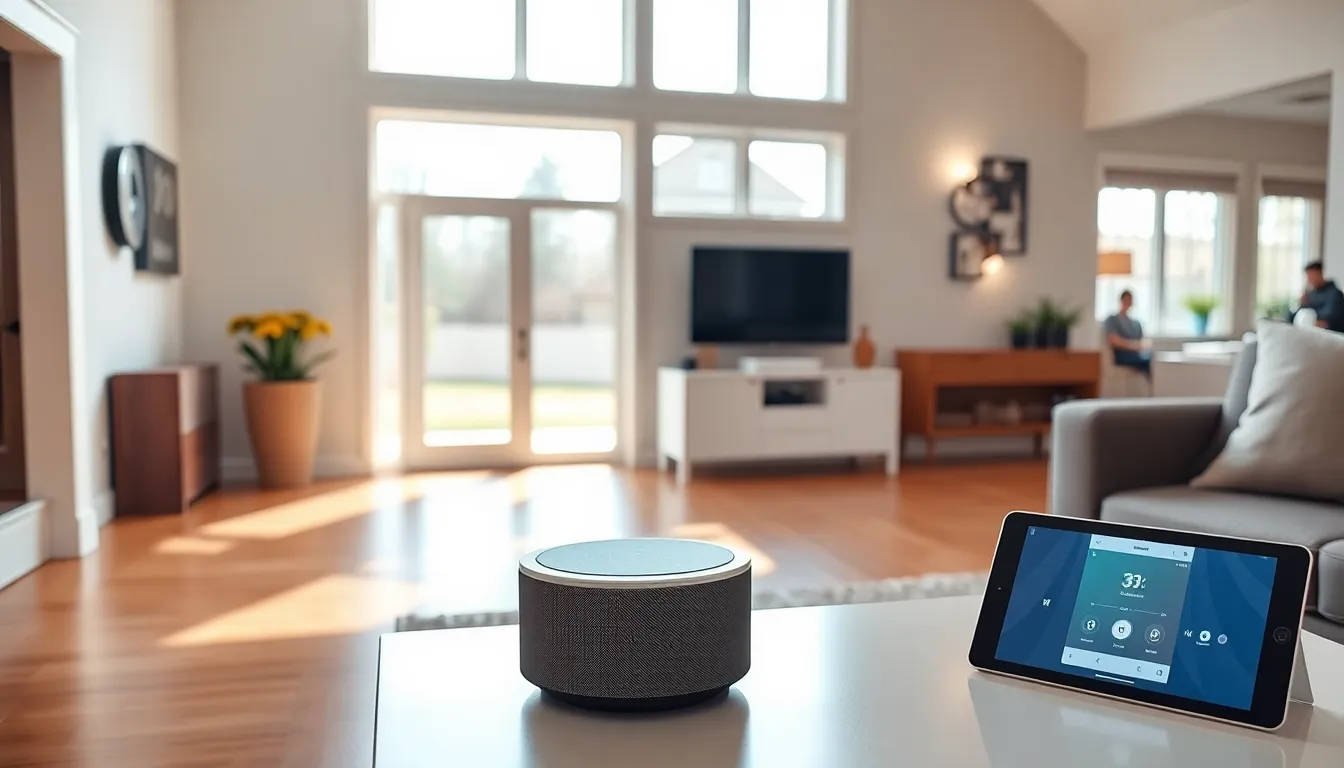
Smart home tech transforms ordinary houses into connected, responsive living spaces. These systems let homeowners control lights, thermostats, locks, and appliances through smartphones, voice commands, or automated schedules. The global smart home market has grown rapidly, with millions of households now using at least one connected device.
This guide explains what smart home tech is, how it works, and whether it’s right for you. From smart speakers to security cameras, connected devices offer convenience, energy savings, and peace of mind. But they also come with costs and privacy considerations worth understanding before you invest.
Table of Contents
ToggleKey Takeaways
- Smart home tech connects devices like thermostats, lights, locks, and appliances to the internet, allowing control via smartphones, voice commands, or automated routines.
- The three core components of any smart home system are smart devices, a hub or controller, and a control interface such as a voice assistant or app.
- Smart thermostats can reduce energy costs by 10-15%, potentially saving homeowners around $180 per year on heating and cooling.
- Privacy risks, compatibility issues, and reliance on internet connectivity are important drawbacks to consider before investing in smart home tech.
- Start small by choosing an ecosystem (Alexa, Google Home, or Apple HomeKit) and adding high-impact devices like smart speakers or thermostats before expanding.
- Always prioritize security by using strong passwords, enabling two-factor authentication, and keeping device firmware updated.
How Smart Home Technology Works
Smart home technology connects devices to the internet and to each other. This connection allows users to control their homes remotely or set up automatic routines.
The Basic Components
Every smart home system has three main parts:
- Smart devices: These include thermostats, light bulbs, door locks, cameras, and appliances with built-in wireless capability.
- A hub or controller: Some systems use a central hub to manage all devices. Others connect directly through Wi-Fi or Bluetooth.
- A control interface: Smartphones, tablets, voice assistants, or wall-mounted panels let users send commands.
Communication Protocols
Smart home tech uses several wireless protocols to communicate. Wi-Fi handles high-bandwidth devices like cameras and speakers. Zigbee and Z-Wave are low-power options ideal for sensors and switches. Bluetooth works well for short-range connections.
The newer Matter standard aims to unify these protocols. Released in 2022, Matter lets devices from different brands work together more easily.
Automation and Routines
The real power of smart home tech lies in automation. Users can create “if-then” rules that trigger actions automatically. For example: if the front door unlocks after 6 PM, turn on the living room lights. Or: when everyone leaves the house, lower the thermostat and arm the security system.
Voice assistants like Amazon Alexa, Google Assistant, and Apple Siri add another control layer. A simple phrase like “Good morning” can start coffee, adjust blinds, and read the day’s weather forecast.
Common Types of Smart Home Devices
Smart home tech spans nearly every room and function in a house. Here are the most popular categories.
Smart Speakers and Displays
Devices like Amazon Echo and Google Nest serve as command centers. They respond to voice commands, play music, answer questions, and control other smart devices. Smart displays add screens for video calls, recipes, and camera feeds.
Smart Lighting
Smart bulbs and switches let users adjust brightness, color, and schedules from anywhere. Philips Hue, LIFX, and Wyze offer popular options at different price points. Motion sensors can turn lights on when someone enters a room.
Smart Thermostats
Nest, Ecobee, and Honeywell thermostats learn household patterns and adjust heating and cooling automatically. Many models include occupancy sensors and can reduce energy use by 10-15% compared to traditional thermostats.
Smart Security
This category includes video doorbells, security cameras, smart locks, and alarm systems. Ring, Arlo, and SimpliSafe dominate the market. Users can see who’s at the door, lock up remotely, and receive alerts about unusual activity.
Smart Appliances
Refrigerators, ovens, washing machines, and robot vacuums now come with smart features. A connected fridge might track expiration dates. A smart oven can preheat on command. Robot vacuums like Roomba map homes and clean on schedule.
Benefits of Smart Home Technology
Smart home tech offers practical advantages that explain its growing popularity.
Convenience
Controlling devices from a phone or with voice commands saves time and effort. Forgot to turn off the lights? Check and fix it from anywhere. Expecting a package? Unlock the door for the delivery person remotely. Smart home tech handles small tasks so users don’t have to think about them.
Energy Efficiency
Smart thermostats and lighting systems reduce waste. They turn off when rooms are empty and optimize schedules based on actual usage. The U.S. Department of Energy estimates smart thermostats can save homeowners around $180 per year on heating and cooling costs.
Enhanced Security
Connected cameras, sensors, and alarms provide real-time monitoring. Users receive instant alerts about doors opening, motion detected, or smoke alarms triggered. Many insurance companies now offer discounts for homes with smart security systems.
Accessibility
Smart home tech helps people with mobility challenges or disabilities live more independently. Voice control eliminates the need to reach switches or handles. Automated routines handle tasks that might otherwise require assistance.
Potential Drawbacks to Consider
Smart home tech isn’t perfect. Prospective buyers should weigh these concerns.
Privacy and Security Risks
Connected devices collect data about daily habits. Some companies use this information for advertising or share it with third parties. Hackers occasionally target smart home systems, though high-profile breaches remain rare. Strong passwords and regular updates reduce these risks.
Compatibility Issues
Not all smart devices work together. A Philips Hue bulb might not sync with a Samsung SmartThings hub without extra steps. The Matter standard should improve this situation, but adoption is still ongoing. Buyers should research compatibility before purchasing.
Cost
Smart home tech requires upfront investment. A basic setup with a few bulbs and a smart speaker costs under $200. A full system with thermostats, locks, cameras, and appliances can run into thousands. Monthly subscriptions for cloud storage or monitoring add ongoing expenses.
Reliability Concerns
Smart devices depend on internet connections. Outages can leave users unable to control their systems. Some devices stop working entirely when servers go offline or companies discontinue support. Choosing established brands with good track records helps minimize this risk.
Getting Started With Your Smart Home
Building a smart home doesn’t require a complete overhaul. Most people start small and expand over time.
Choose an Ecosystem
Pick a primary platform early: Amazon Alexa, Google Home, or Apple HomeKit. Each works best with certain devices and has different strengths. Alexa offers the widest device compatibility. Apple HomeKit prioritizes privacy. Google excels at search integration and natural language processing.
Start With High-Impact Devices
A smart speaker makes a good first purchase. It serves as a control hub and introduces voice commands naturally. Smart bulbs or plugs offer quick wins with visible results. A smart thermostat delivers measurable energy savings.
Build Gradually
Add devices as needs arise rather than buying everything at once. This approach spreads costs and lets users learn each system before adding complexity. Smart home tech works best when it solves actual problems rather than adding gadgets for novelty.
Prioritize Security
Create strong, unique passwords for each device and account. Enable two-factor authentication where available. Keep firmware updated. Consider a separate Wi-Fi network for smart home devices to isolate them from computers and phones.

