
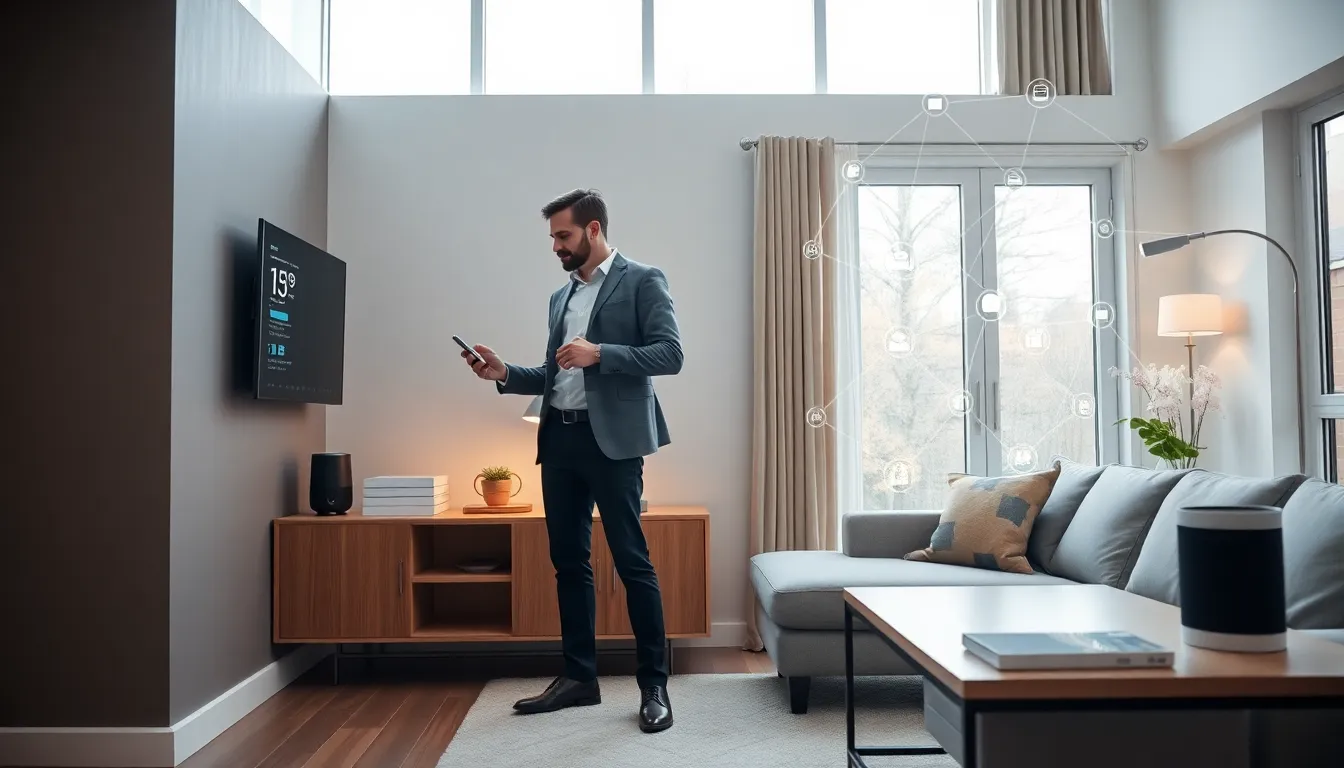
Smart home tech tips can transform a regular house into a responsive, efficient living space. The idea of lights that dim on command, thermostats that learn habits, and door locks controlled from a phone sounds futuristic, but it’s surprisingly accessible in 2025. Over 60% of U.S. households now own at least one smart device, according to recent industry reports. Yet many people buy a smart speaker, connect it to Wi-Fi, and stop there. They miss the real benefits: energy savings, convenience, and genuine peace of mind.
This guide covers practical smart home tech tips for beginners ready to move beyond a single gadget. It explains how to pick the right ecosystem, which devices deliver the most value, and how to keep everything secure. By the end, readers will have a clear path to building a connected home that actually works.
Table of Contents
ToggleKey Takeaways
- Choose one ecosystem (Alexa, Google Home, or Apple HomeKit) and check device compatibility before purchasing to avoid integration headaches.
- Start with high-impact devices like smart thermostats, lighting, and video doorbells that deliver daily value and energy savings of 10-15%.
- Secure your smart home by using WPA3 encryption, enabling two-factor authentication, and keeping device firmware updated.
- Create routines that combine multiple actions into a single trigger—like a “Good morning” command that turns on lights, starts coffee, and reads the weather.
- Troubleshoot connection issues by checking Wi-Fi signal strength, using simple device names, and considering a mesh network for larger homes.
- Apply these smart home tech tips gradually—start with two or three devices, learn how they work, then expand your connected home over time.
Choose a Central Hub or Ecosystem
Every smart home needs a foundation. That foundation is the ecosystem, the platform that connects devices and lets them communicate.
The three major players are Amazon Alexa, Google Home, and Apple HomeKit. Each has strengths. Alexa works with the widest range of third-party devices. Google Home offers tight integration with Android phones and excellent voice recognition. Apple HomeKit prioritizes privacy and works seamlessly with iPhones and iPads.
Here’s the key smart home tech tip: pick one ecosystem and stick with it. Mixing platforms creates headaches. A Philips Hue bulb might work with all three, but a budget smart plug might only support Alexa. Check compatibility before buying anything.
For those who want flexibility, the Matter standard is worth watching. Launched in late 2022, Matter allows devices from different brands to work together regardless of ecosystem. Many new products now carry the Matter logo, which signals broader compatibility.
A central hub, like an Amazon Echo, Google Nest Hub, or Apple HomePod, serves as the control center. It processes voice commands, runs automations, and displays device status. Some smart home tech tips suggest starting with a hub that includes a screen, since visual feedback makes setup easier.
Start With High-Impact Devices
Beginners often wonder where to start. The answer: focus on devices that deliver daily value.
Smart Thermostats
A smart thermostat like the Ecobee or Nest Learning Thermostat can cut heating and cooling costs by 10-15%. It learns household patterns and adjusts temperatures automatically. Users can also control it remotely, a handy feature when leaving for vacation.
Smart Lighting
Smart bulbs and switches offer instant gratification. They dim, change colors, and turn off on schedule. Motion sensors can trigger lights automatically, which adds convenience and security. Philips Hue, Lutron, and LIFX are popular brands.
Smart Locks and Doorbells
Video doorbells from Ring, Nest, or Eufy show who’s at the door from anywhere. Smart locks eliminate the need for physical keys and allow temporary codes for guests or service workers. These devices provide real peace of mind.
Smart Plugs
For under $20, a smart plug turns any “dumb” appliance into a connected one. Lamps, coffee makers, and fans become voice-controlled or scheduled. It’s one of the easiest smart home tech tips to carry out.
Resist the urge to buy everything at once. Start with two or three devices, learn how they work, then expand.
Prioritize Network Security
Connected devices create connected vulnerabilities. Every smart gadget is a potential entry point for hackers. Good security habits matter.
First, secure the Wi-Fi network. Use WPA3 encryption if the router supports it. Create a strong, unique password, not “password123” or the dog’s name. Consider setting up a separate guest network just for smart devices. This isolates them from computers and phones that hold sensitive data.
Second, update firmware regularly. Manufacturers release patches that fix security flaws. Enable automatic updates when available. If a device no longer receives updates, consider replacing it.
Third, use two-factor authentication (2FA) on smart home accounts. Alexa, Google Home, and Ring all support 2FA. It adds an extra step during login but blocks most unauthorized access attempts.
Fourth, review device permissions. Does a smart light really need access to contacts? Probably not. Limit permissions to what’s necessary.
These smart home tech tips aren’t glamorous, but they protect privacy and prevent serious problems. A 2024 study found that 47% of smart home users had experienced at least one security concern. Don’t become a statistic.
Create Routines and Automations
Individual smart devices are useful. Connected routines are powerful.
Routines combine multiple actions into a single trigger. For example, saying “Good morning” could turn on the kitchen lights, start the coffee maker, and read the weather forecast. A “Goodnight” routine might lock the doors, turn off all lights, and set the thermostat to 68 degrees.
Most ecosystems make routine creation straightforward. In the Alexa app, users tap Routines, then add a trigger (voice command, time, or device event) and select actions. Google Home and Apple HomeKit follow similar logic.
Advanced users can explore IFTTT (If This Then That) or home automation platforms like Home Assistant. These tools enable complex automations. A motion sensor at the front door could trigger a camera to record, send a phone notification, and turn on the porch light, all automatically.
Here are practical smart home tech tips for building routines:
- Start simple. One trigger, two or three actions.
- Test routines before relying on them.
- Use location-based triggers. Many apps can detect when users leave or arrive home.
- Schedule routines for energy savings. Lights off at midnight, thermostat adjusts at 10 PM.
Automation is where smart homes become truly smart. The goal is a house that anticipates needs without constant input.
Troubleshooting Common Smart Home Issues
Things will go wrong. Devices disconnect, routines fail, and voice assistants mishear commands. Here’s how to fix the most common problems.
Device Won’t Connect
Check Wi-Fi signal strength where the device sits. Smart plugs in distant rooms may lose connection. A mesh Wi-Fi system or range extender often solves this. Also verify that the device is on the same network as the hub.
Voice Commands Don’t Work
Rename devices with simple, distinct names. “Kitchen light” works better than “LIFX A19 Color 1000.” If the assistant misunderstands, check for conflicting device names or retrain voice recognition.
Automations Don’t Trigger
Review the routine in the app. Ensure triggers and conditions are set correctly. Sometimes deleting and recreating a routine fixes glitches. Also check that all involved devices are online.
Slow Response Times
This usually points to network congestion. Too many devices on one router can cause lag. Upgrading to a router designed for smart homes, or adding a dedicated IoT network, helps.
App Crashes or Freezes
Clear the app cache or reinstall it. Ensure the phone’s operating system and the smart home app are updated.
Patience helps. Smart home tech tips from experienced users emphasize that troubleshooting is part of the learning process. Most issues have simple fixes.

