
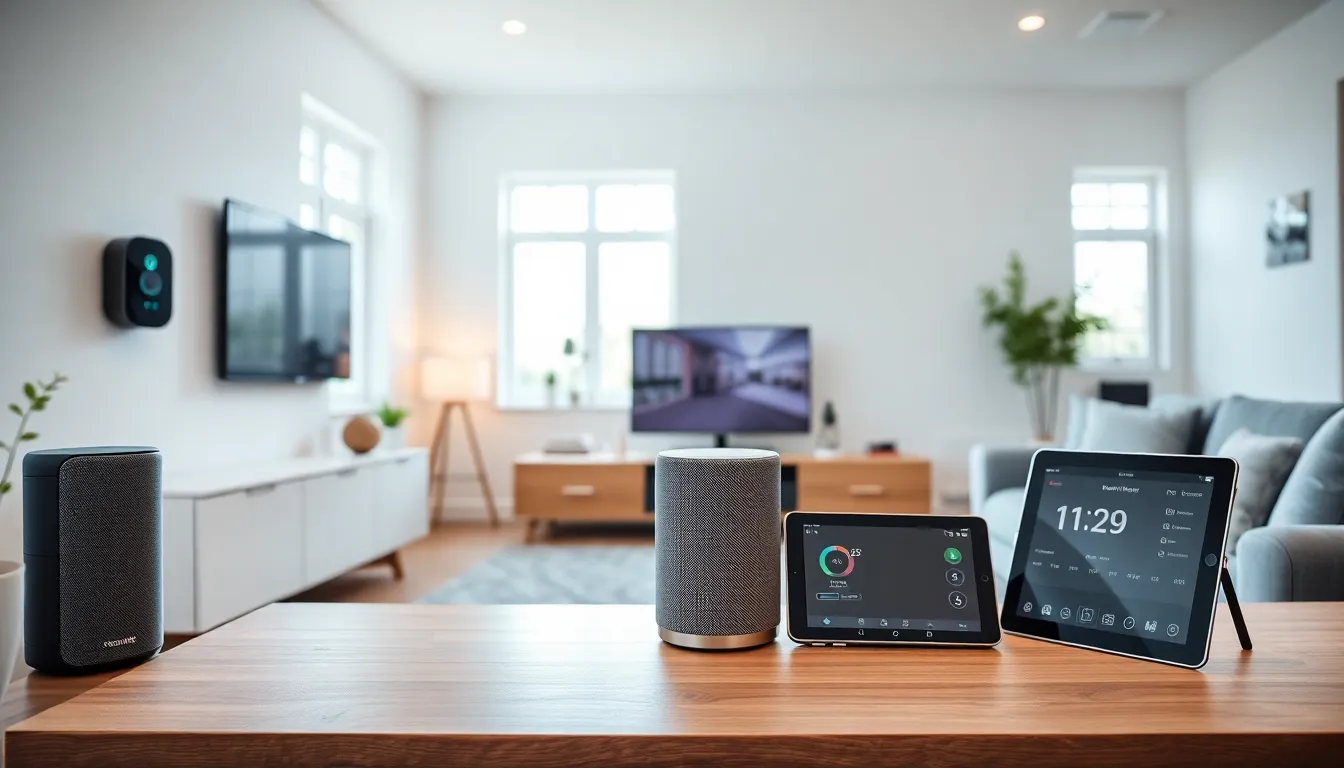
A smart home tech guide can save hours of research and help avoid costly mistakes. Smart home technology has become more affordable, more reliable, and easier to use than ever before. In 2025, millions of households rely on connected devices to manage lighting, security, climate control, and entertainment. This guide covers the essentials, what smart home technology actually is, which devices matter most, how to set everything up, and how to solve common problems along the way.
Table of Contents
ToggleKey Takeaways
- A smart home tech guide helps you choose the right devices, set up your system, and avoid common pitfalls that waste time and money.
- Start with a smart speaker and smart plugs as affordable entry points before expanding to thermostats, lighting, and security devices.
- Choose one ecosystem (Alexa, Google Assistant, or HomeKit) before purchasing to ensure all your devices work together seamlessly.
- Smart thermostats can reduce heating and cooling costs by 10-15%, often with utility rebates available.
- Strengthen your Wi-Fi with a mesh system if you plan to connect more than 10 smart devices to prevent connectivity issues.
- Use automations and routines to get the most value from your smart home tech by reducing manual control and saving time daily.
What Is Smart Home Technology?
Smart home technology refers to devices and systems that connect to the internet and can be controlled remotely. These devices communicate with each other through Wi-Fi, Bluetooth, Zigbee, or Z-Wave protocols. Users control them through smartphone apps, voice assistants, or automated schedules.
The core idea is simple: make everyday tasks easier. A smart thermostat learns heating preferences and adjusts automatically. Smart lights turn on at sunset. A video doorbell shows who’s at the front door from anywhere in the world.
Smart home tech falls into several categories:
- Climate control: Smart thermostats, air quality monitors, smart fans
- Lighting: Smart bulbs, switches, and light strips
- Security: Cameras, doorbells, locks, and motion sensors
- Entertainment: Smart speakers, streaming devices, and multi-room audio
- Appliances: Smart plugs, robot vacuums, and connected kitchen gadgets
Most smart home devices require a central hub or work directly with voice assistants like Amazon Alexa, Google Assistant, or Apple HomeKit. The new Matter standard, released in late 2022 and now widely adopted, allows devices from different manufacturers to work together more smoothly than before.
Essential Smart Home Devices to Consider
Not every smart device is worth the investment. Some deliver real convenience: others collect dust. Here are the categories that offer the best return for most households.
Smart Speakers and Displays
A smart speaker acts as the control center for any smart home setup. Amazon Echo devices, Google Nest speakers, and Apple HomePods respond to voice commands and control other connected devices. Smart displays add a screen for video calls, recipes, and security camera feeds.
Smart Thermostats
Smart thermostats like the Nest Learning Thermostat or Ecobee SmartThermostat reduce energy bills by learning schedules and adjusting temperatures automatically. Many utility companies offer rebates for installing them. The average household saves 10-15% on heating and cooling costs.
Smart Lighting
Philips Hue, LIFX, and Wyze offer smart bulbs that change colors, dim on command, and follow schedules. Smart switches are a better option for households that want to keep existing bulbs. They control entire fixtures without replacing individual bulbs.
Smart Security
Ring, Arlo, and Nest dominate the smart security market. Video doorbells show visitors in real time. Outdoor cameras record motion events. Smart locks allow keyless entry and remote access. These devices provide peace of mind whether homeowners are at work or on vacation.
Smart Plugs
Smart plugs are the easiest entry point into smart home tech. They turn any device into a “smart” device. Plug in a lamp, coffee maker, or fan, and control it through an app or voice command. They typically cost under $15 each.
How to Set Up Your Smart Home System
Setting up a smart home system doesn’t require technical expertise. Follow these steps to build a functional setup from scratch.
Step 1: Choose an Ecosystem
Pick a primary voice assistant before buying devices. Amazon Alexa has the widest device compatibility. Google Assistant integrates well with Android phones and Google services. Apple HomeKit offers strong privacy features but supports fewer third-party devices. Stick with one ecosystem to avoid compatibility headaches.
Step 2: Strengthen Your Wi-Fi
Smart home devices depend on reliable internet. A weak signal causes delays, disconnections, and frustration. Consider a mesh Wi-Fi system like Eero, Google Nest WiFi, or Orbi if the existing router doesn’t cover the entire home. Most households with more than 10 smart devices need upgraded networking.
Step 3: Start Small
Begin with one or two devices. A smart speaker and a few smart plugs make a good starting point. Learn how the app works. Experiment with voice commands and automation. Then expand gradually.
Step 4: Create Automations
Automations, sometimes called “routines” or “scenes”, are where smart home tech really shines. Set the lights to dim at 9 PM. Have the thermostat lower the temperature when everyone leaves. Trigger a security camera to record when a motion sensor detects movement. These automated actions save time and reduce the need for manual control.
Step 5: Group Devices by Room
Organize devices by room in the app. This allows commands like “turn off the living room lights” instead of naming each bulb individually. Grouping also simplifies automation and makes the system easier to manage as it grows.
Common Challenges and How to Overcome Them
Smart home tech isn’t perfect. Here are the most frequent issues and practical solutions.
Connectivity Problems
Devices drop offline for various reasons, weak Wi-Fi, router issues, or firmware bugs. Move the router to a central location. Update device firmware regularly. Restart devices that become unresponsive. For persistent problems, consider devices that use Zigbee or Z-Wave instead of Wi-Fi, as they create their own mesh network.
Compatibility Issues
Not all devices work together. A smart lock might support Alexa but not HomeKit. Check compatibility before purchasing. The Matter standard helps, but not every device supports it yet. Stick primarily to devices within the chosen ecosystem.
Privacy Concerns
Smart devices collect data. Voice assistants listen for wake words. Cameras record footage. To reduce risk, review privacy settings in each app. Disable features that aren’t needed. Use two-factor authentication. Choose brands with clear privacy policies.
Overwhelming Complexity
Too many devices can create confusion. Family members may struggle with different apps or voice commands. Simplify by using a single app when possible. Create routines that handle multiple devices with one command. Label devices clearly so everyone in the household knows what to say.

